

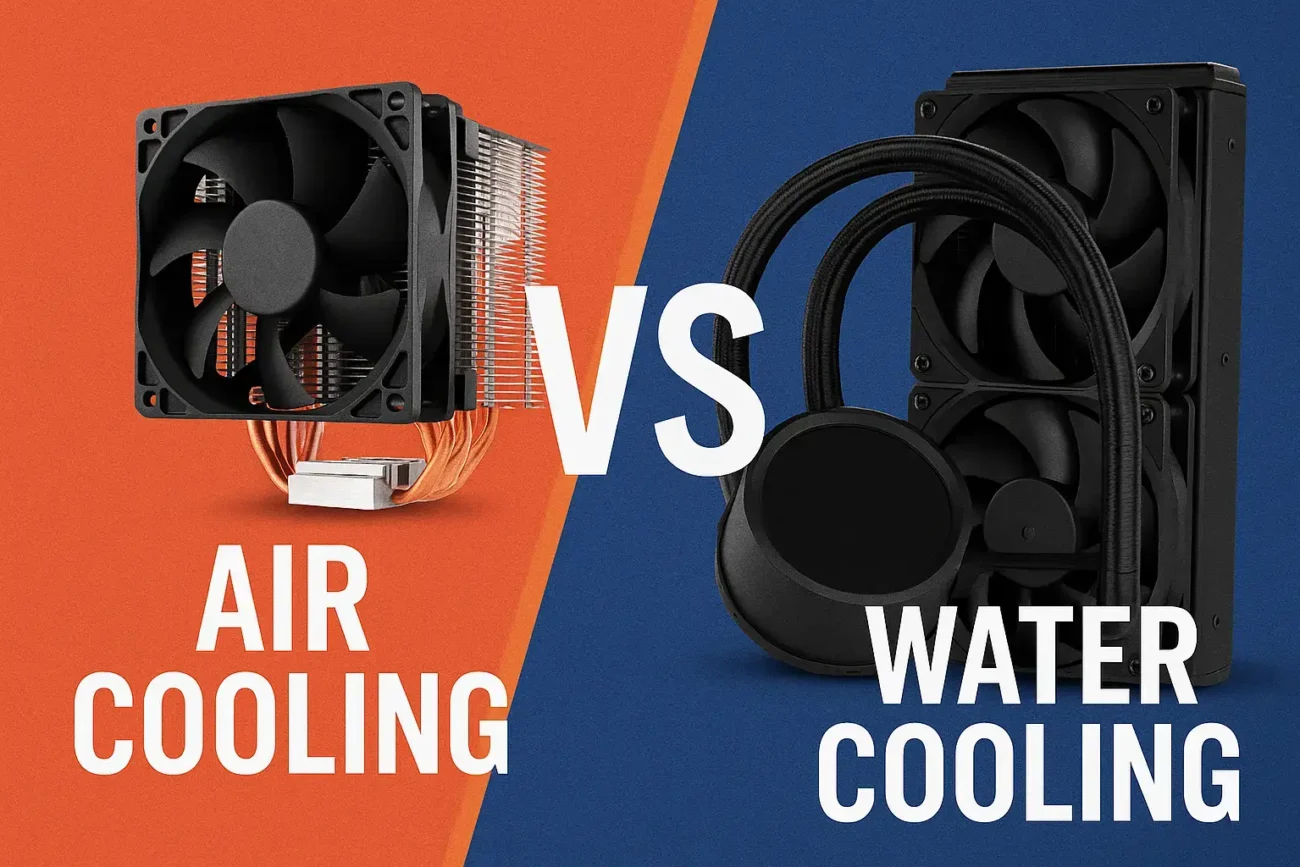
Cooling is one of the most important aspects of building or upgrading a PC. Whether you’re gaming, editing videos, or overclocking your hardware, your CPU and GPU generate heat — and if that heat isn’t managed properly, you’ll lose performance, stability, and even long-term component lifespan.
Two of the most popular cooling solutions today are air cooling and water cooling (AIO or custom loop). Both can keep your PC cool, but each comes with its own strengths, weaknesses, and ideal use cases. If you’re not sure which one to choose for your build, this guide breaks everything down clearly.
What is Air Cooling?
Air coolers work by pulling heat away from the CPU using a metal heatsink, then dissipating it with one or more fans. They’ve been around for years — reliable, simple, and widely used in both budget and high-end systems.
How Air Cooling Works:
- The CPU generates heat.
- Heatpipe transfers heat to the heatsink.
- Fan pushes air through fins.
- Warm air exits the case via exhaust fans.
Air Cooling Pros
| Advantage | Why It Matters |
|---|---|
| Easy to install | Great for beginners; no complicated setup |
| More affordable | Good performance without high cost |
| Low maintenance | No liquid to refill, no pump failures |
| Durable & long-lasting | Heatsinks can last for several hardware generations |
Air Cooling Cons
| Drawback | Limitation |
|---|---|
| Larger in size | Can block RAM slots or limit case compatibility |
| Less effective at extreme heat | Can struggle under heavy overclocking |
| Can be louder at high RPM | More noise when cooling powerful CPUs |
What is Water Cooling?
Water (or liquid) cooling uses a coolant to transfer heat from the CPU or GPU to a radiator, where fans dissipate it. It typically runs cooler and quieter — especially under heavy load.
Water cooling comes in two forms:
- AIO (All-in-One) Liquid Cooling – Ready-made, easier installation
- Custom Loop Cooling – Fully customizable, best performance
Water Cooling Pros
| Advantage | Why It Matters |
|---|---|
| Better thermal performance | Great for high-end CPUs & overclocking |
| Cleaner, more aesthetic builds | Radiators look sleek + RGB potential |
| Lower noise under load | Great for silent PC builds |
| Doesn’t block RAM or PCIe space | More breathing room around the CPU area |
Water Cooling Cons
| Drawback | Limitation |
|---|---|
| More expensive than air coolers | Especially custom loop setups |
| Risk of leakage (very small in AIO) | Can damage components if failure occurs |
| Requires more installation knowledge | Not ideal for first-time builders |
| Pump can fail over time | Shorter lifespan vs. premium air coolers |
Performance Comparison: Air vs Water Cooling
| Feature | Air Cooling | Water Cooling |
|---|---|---|
| Cooling Performance | Good | Excellent (best for OC) |
| Noise Level | Medium | Low under load |
| Price-to-Performance | High value | Higher cost |
| Maintenance | Almost none | Moderate (especially custom loops) |
| Durability | Long-lasting | Pump wear over years |
| Build Aesthetics | Neutral to bulky | Clean, premium look |
| Installation Difficulty | Easy | Medium–Hard |
Which One Should YOU Choose?
Choose Air Cooling if:
- You’re building your first PC
- You want something cheap and reliable
- You don’t plan to heavy overclock
- You prefer hardware that lasts many years
Choose Water Cooling if:
- You want best-possible temps & performance
- Your system uses high-end CPUs or GPUs
- You love clean aesthetics and RGB builds
- You’re comfortable with installation & setup
Verdict
There is no universal “winner” — the best cooling method depends on your build, budget, and goals.
- For budget to mid-range builds, air cooling offers incredible value and long-term reliability.
- For performance-focused or aesthetic builds, water cooling delivers cooler temperatures, lower noise, and a premium look.
If you’re gaming and want top temps with quiet operation, water cooling is often the better choice. But if you want something simple, cheaper, and maintenance-free, air cooling remains a highly reliable solution in 2025 and beyond.
Frequently Asked Questions (FAQ)
1. Is water cooling better than air cooling?
Water cooling generally delivers lower temperatures and quieter operation, especially in high-end CPUs and overclocked systems. However, air cooling is more affordable, easier to maintain, and more reliable for long-term everyday use.
2. Is air cooling enough for gaming?
Yes — modern air coolers can handle gaming workloads without any issue. If you’re not heavily overclocking, a good tower cooler can keep both CPU temperatures and noise levels under control.
3. Does liquid cooling require maintenance?
AIO liquid coolers require minimal maintenance, but custom water loops need periodic cleaning, coolant replacement, and leak checks. Over several years, pumps can wear out, unlike most air coolers, which can last much longer.
4. Can liquid cooling leak?
The risk is low, especially with reputable AIO coolers, but leaks can happen. Custom loops carry a higher risk due to more fittings, tubes, and manual assembly. Air-cooling systems have no liquid, so leaks are never a concern.
5. Which is quieter — air cooling or water cooling?
Water cooling is often quieter under heavy load because heat is spread over a radiator, reducing fan speed. However, budget AIOs can be louder if the pump adds vibration noise.
6. Do I need liquid cooling for overclocking?
Not always — high-end air coolers can support moderate overclocking. But for aggressive overclocking on CPUs like Ryzen 9 or Intel i9, liquid cooling (240mm or 360mm radiator) is typically more effective.
7. Which lasts longer — air or water cooling?
Air coolers tend to last longer because they have fewer moving parts. Liquid coolers include pumps that degrade over time, often requiring replacement sooner than those in high-quality air coolers.
8. Is AIO water cooling safe for beginners?
Yes, many AIO coolers are beginner-friendly and easier to install than custom loops. Just ensure secure mounting and proper radiator placement for airflow direction.
9. What size radiator is best for gaming PCs?
For mid-range CPUs, a 240mm radiator is usually enough. For high-end CPUs or heavy overclocking, a 280mm or 360mm radiator provides better cooling headroom.
